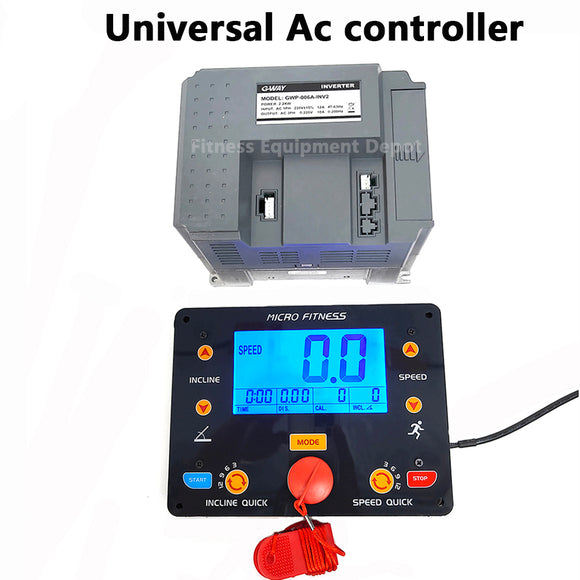


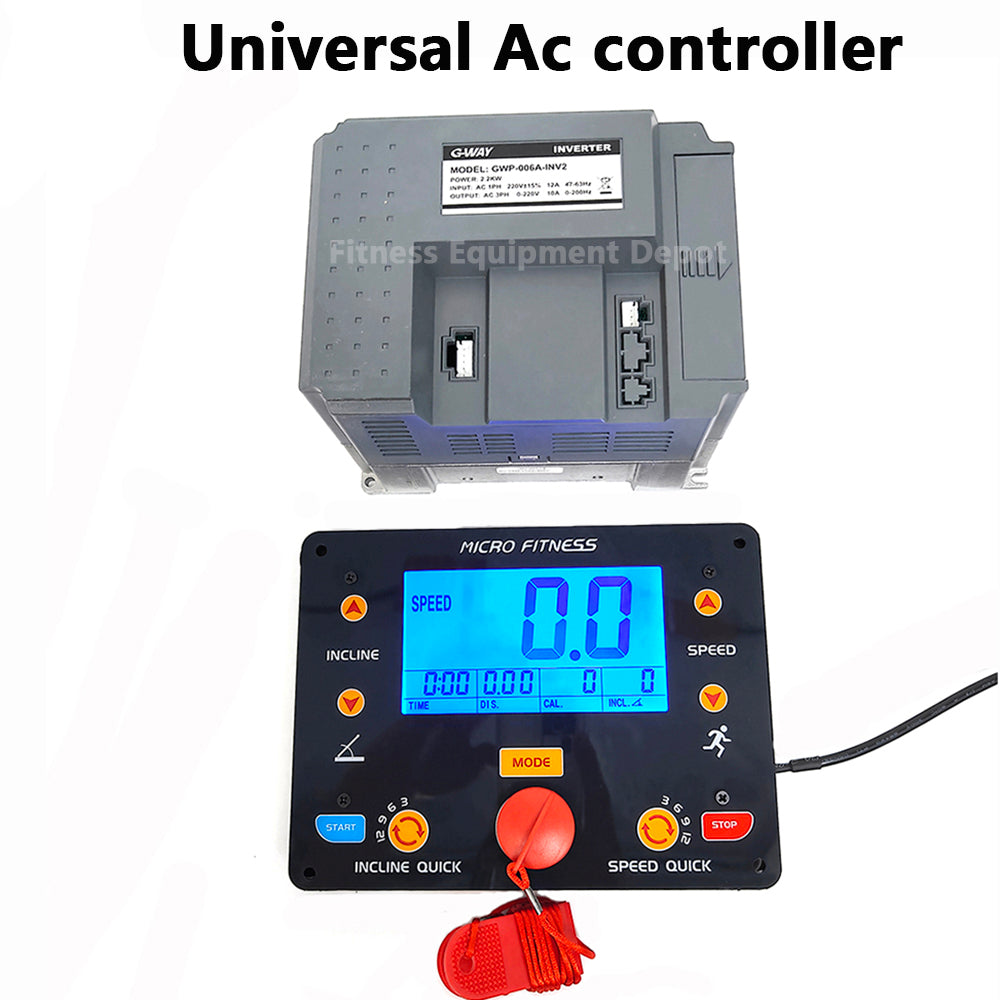
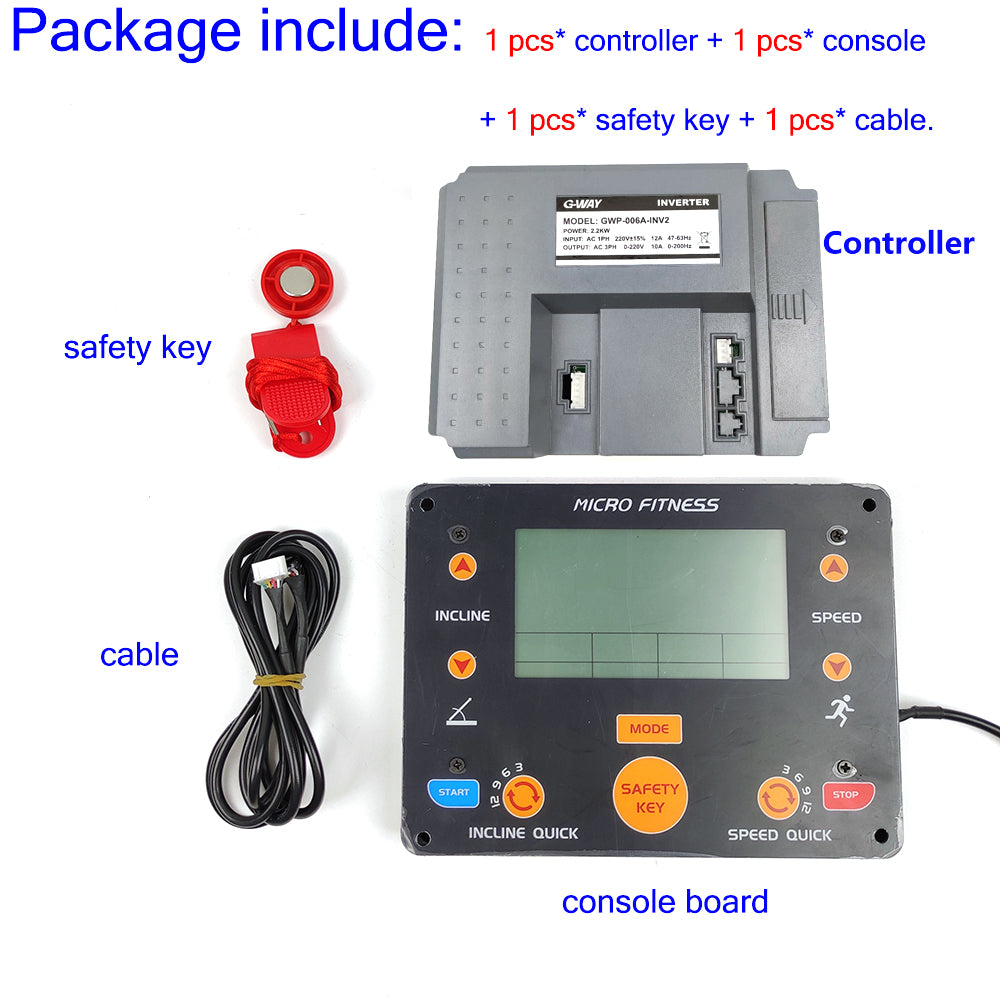
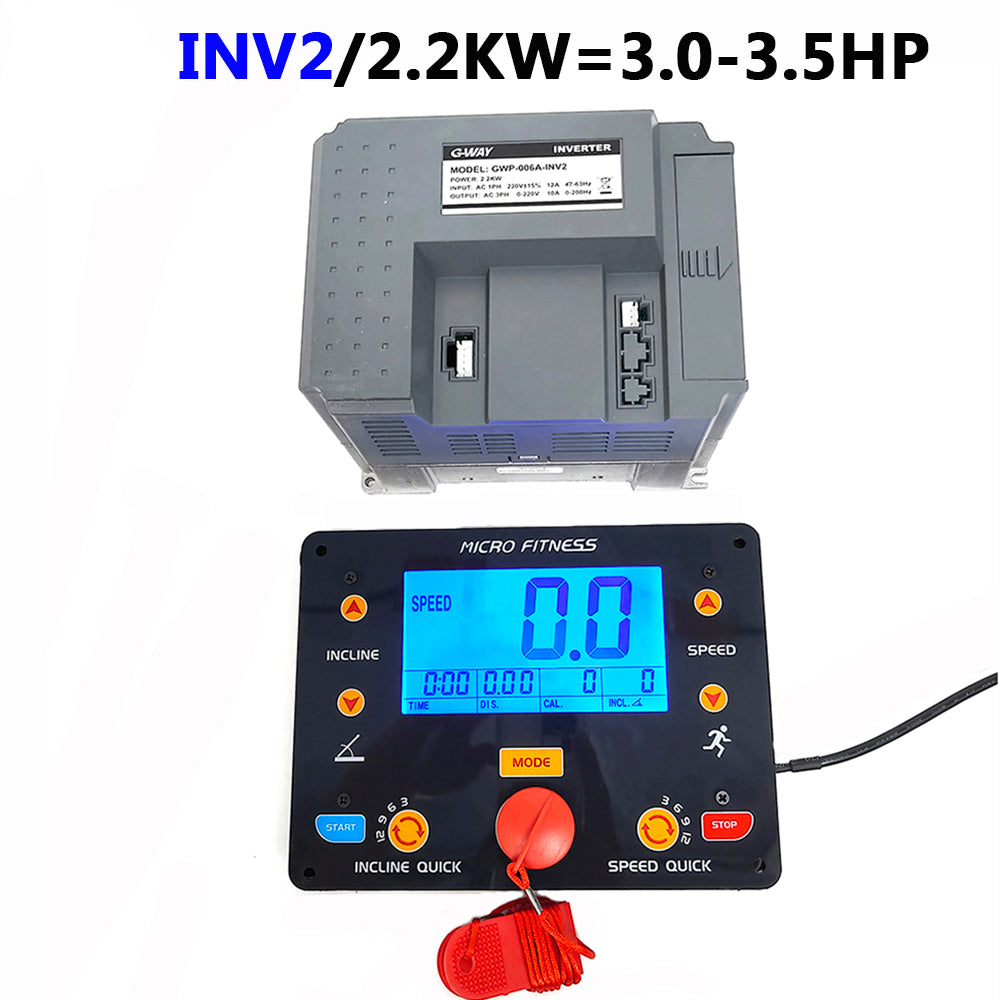
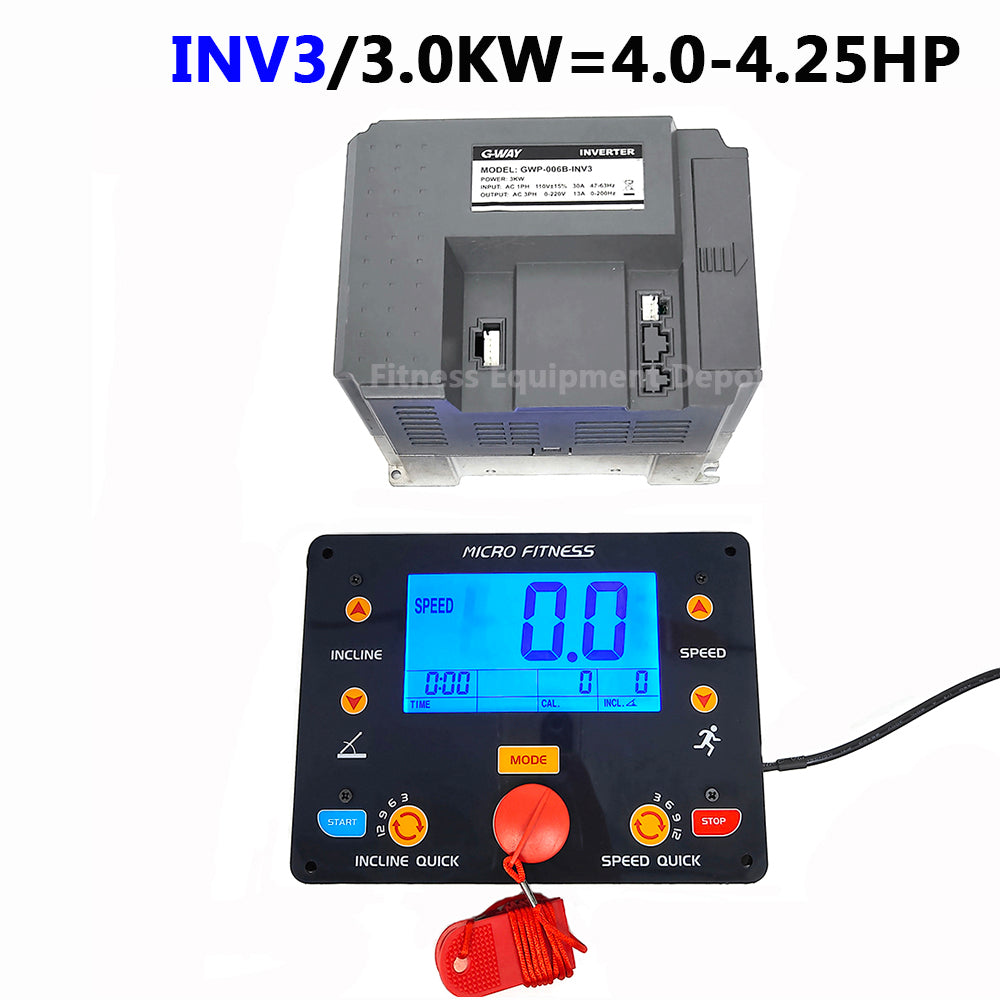
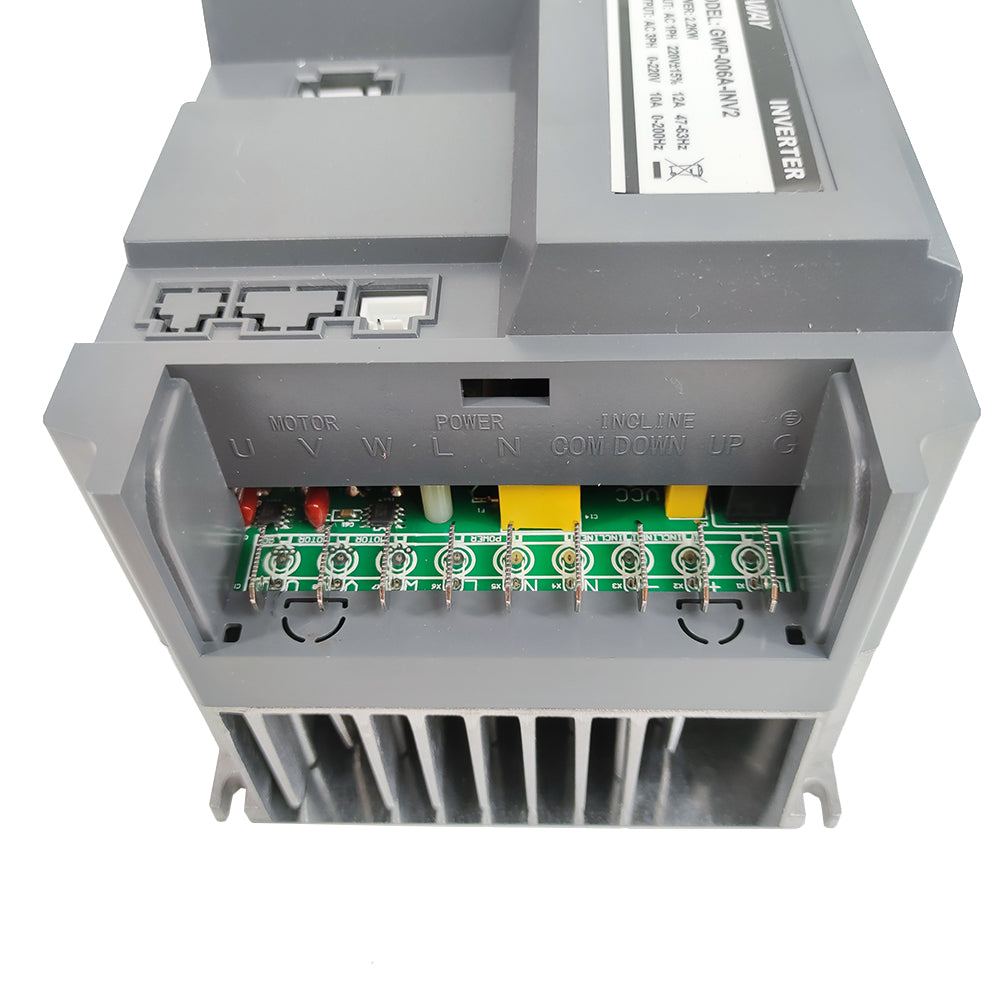
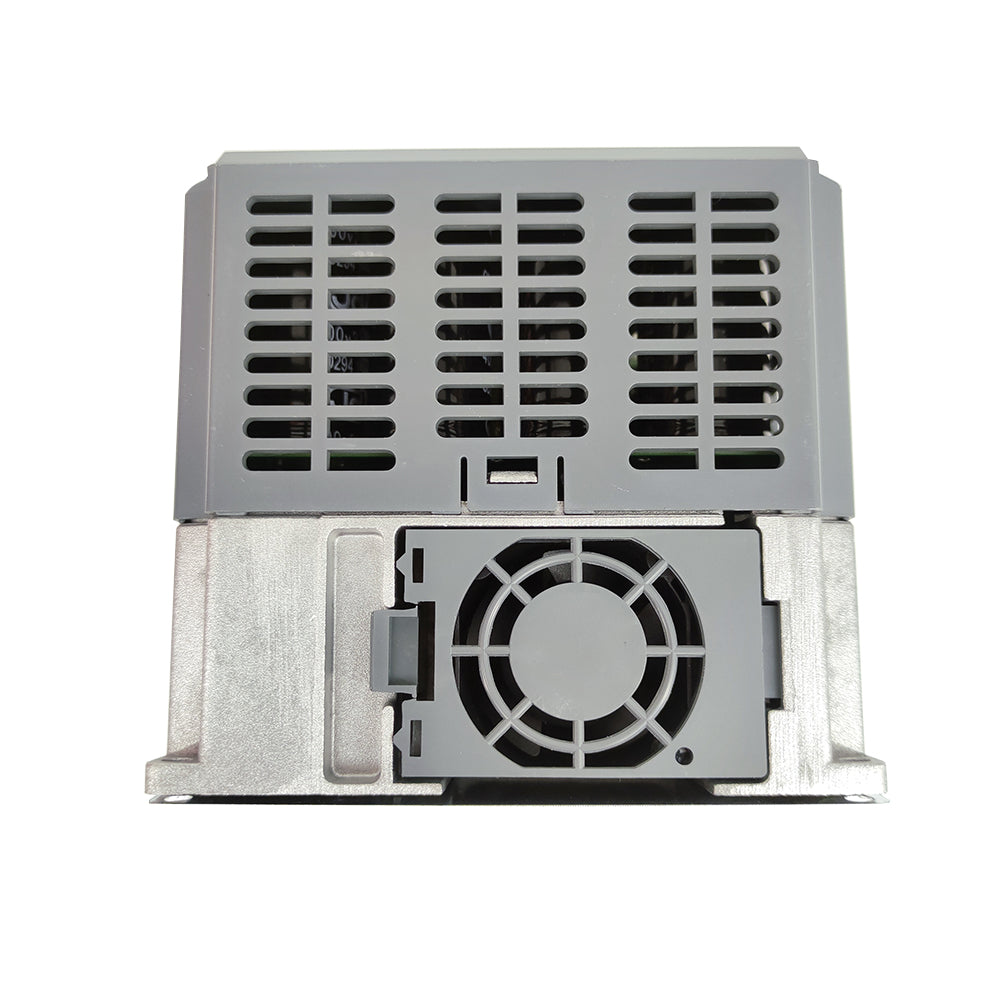
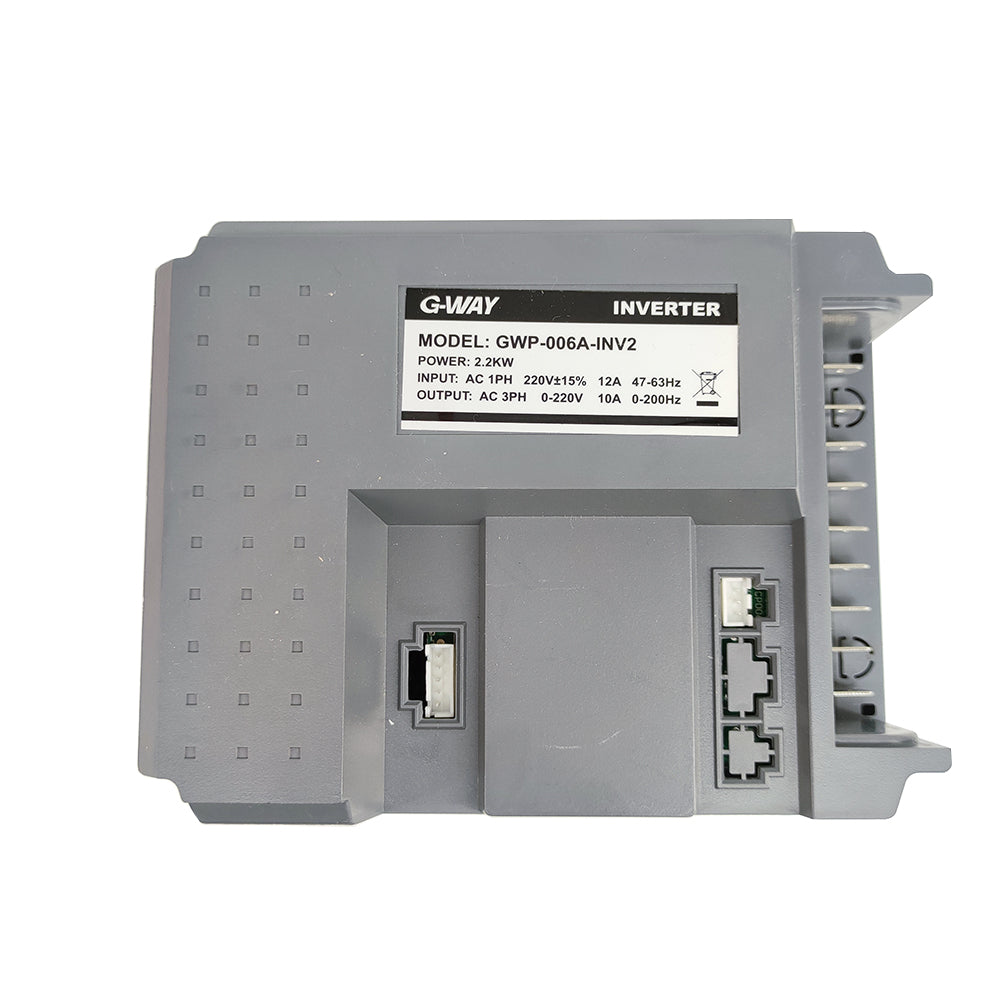
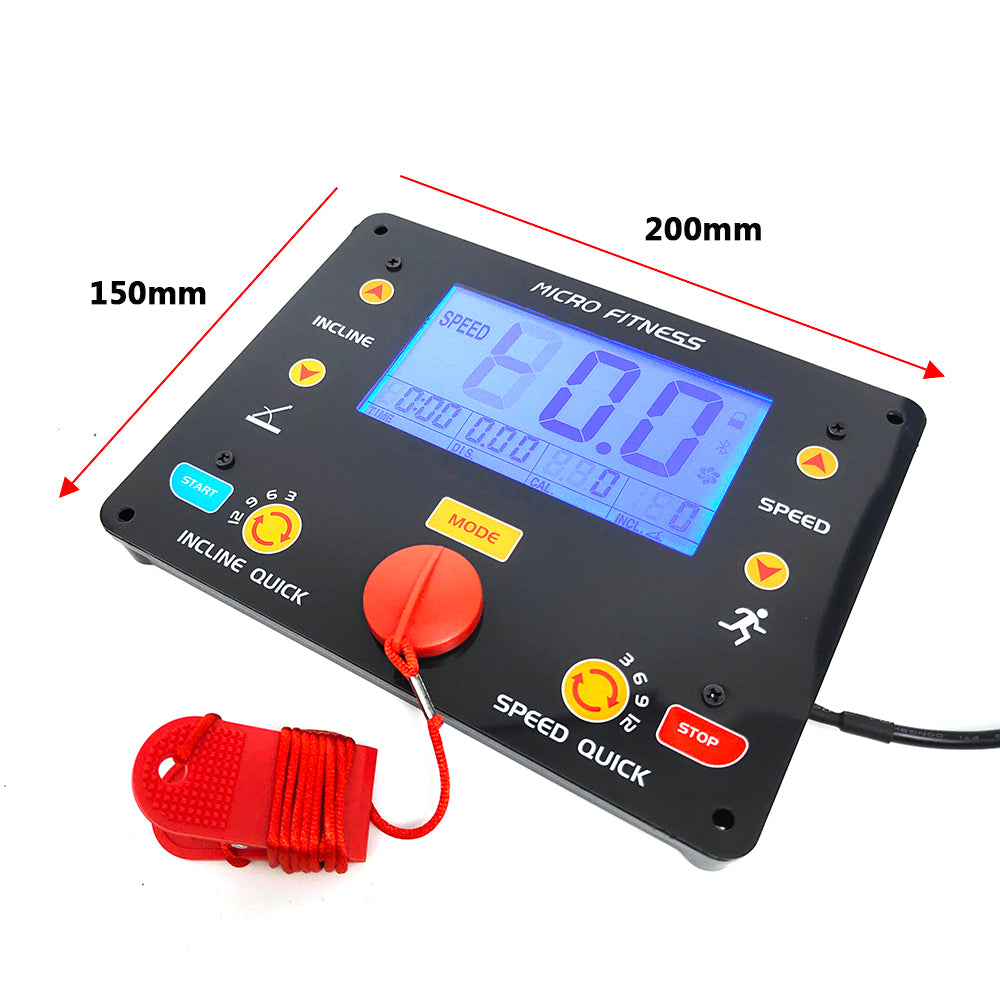
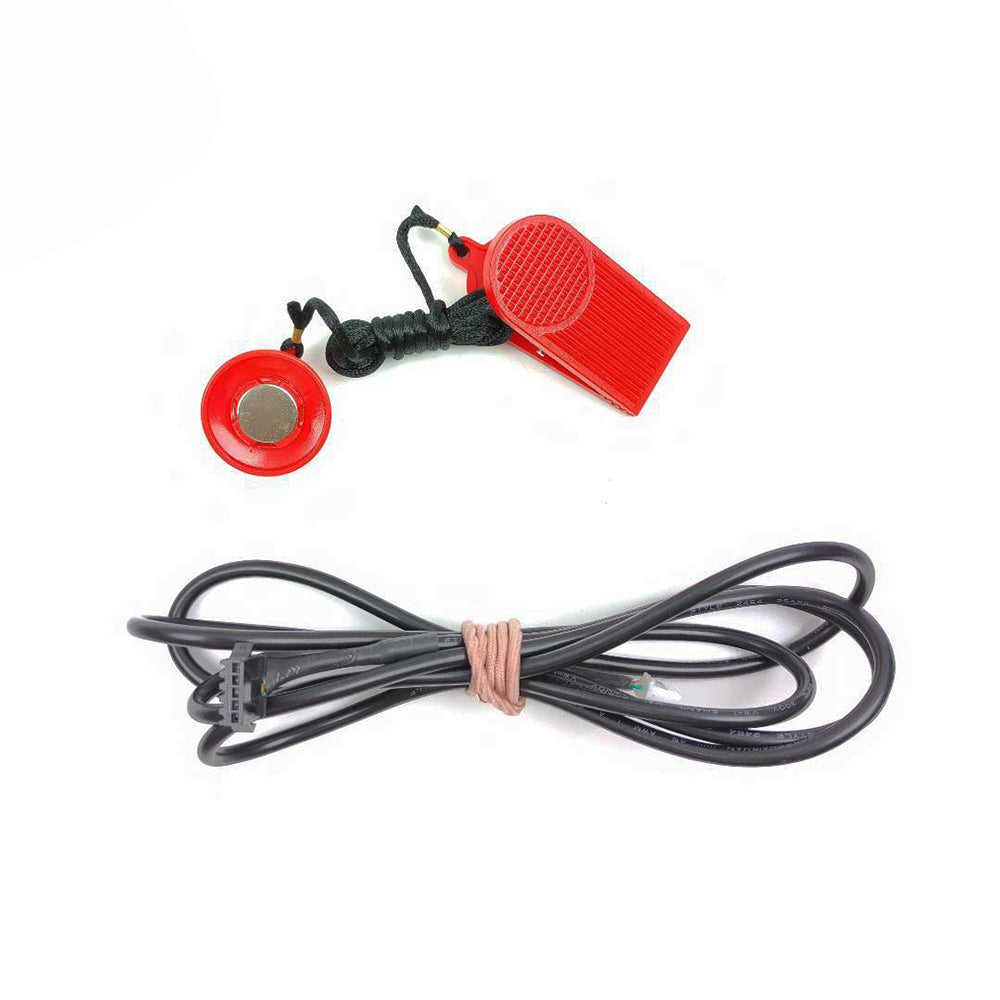
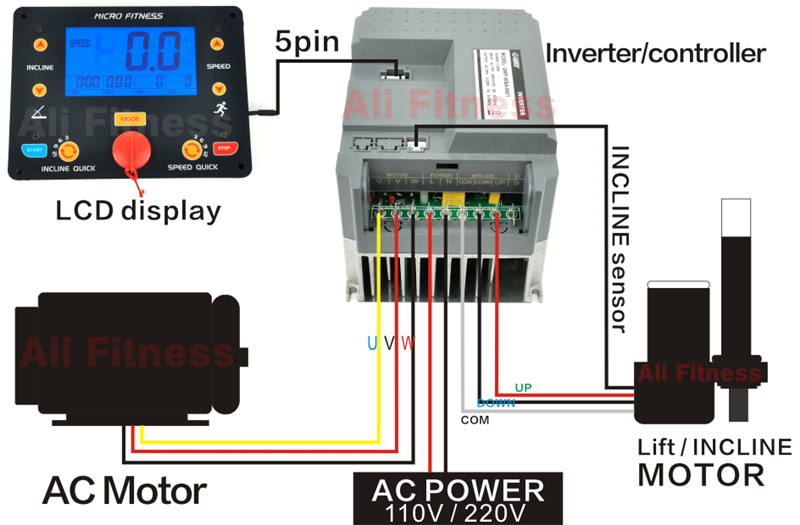
Universal Treadmill AC Motor control set general Inverter for commercial treadmill repair
Universal Treadmill AC Motor control set general Inverter for commercial treadmill
3 Parameters and specifications
|
No |
Defaults value |
specification |
Range |
Parameter definition |
Note |
|
P00 |
180V |
180V |
50-255 |
Motor rated voltage |
|
|
P01 |
46 |
4600r/min |
10-60 |
Motor rated speed |
|
|
P02 |
15 |
IR5 |
5-255 |
Motor torque |
|
|
P03 |
11 |
11A |
5-255 |
Motor overload current |
|
|
P04 |
13 |
13A |
5-255 |
Motor limited current |
|
|
P05 |
75 |
7.5A |
3-250 |
Motor rated current |
|
|
P06 |
40 |
400r/min |
20-200 |
Corresponding motor speed at 1KM/H |
|
|
P07 |
285 |
2850r/min |
20-500 |
Corresponding motor speed at 9KM/H |
|
|
P08 |
52 |
5200 r/min |
20-70 |
Corresponding motor speed at treadmill max speed |
|
|
P09 |
18 |
18KM/H |
6-25 |
Treadmill max speed |
|
|
P10 |
15 |
15% |
5-60 |
Treadmill highest level |
|
|
P11 |
10 |
1KM /H |
10-50 |
Treadmill start speed |
|
4.1 Unplug the safety key, screen shows - - -
4.2 Press the speed▲ and speed▼ button, more than 3 seconds, until screen shows P12.
4.3 Press the "start" button, screen shows P00, defaults value is 180
According to the original motor nameplate, press speed▲ or speed▼ button to adjust the value.
4.4 Press "start" button again to save the setting.
5 Setting motor torque
3.1 follow 2.1 & 2.2 step to enter setting process.
3.2 press "start" button 3 times, screen shows P02, defaults value is 15
press speed▲ or speed▼ button to adjust the value.
3.3 Press "start" button again to save the setting.
6 Treadmill speed calibration
P06 and P07 use for treadmill speed calibration.
When User feels the treadmill real speed slower or faster than screen shows, please follows below step to calibrate the treadmill speed.
4.1 follow 2.1 & 2.2 step to enter setting process.
4.2 press "start" button 7 times, screen shows P06, defaults value is 40.
press speed▲ or speed▼ to adjust the value, then press "start" button again to save the setting.
(Note: increase the value, faster; decrease the value, slower. Adjust 10 unit per times.)
4.3 Go to P07, defaults value is 285. press speed▲ or speed▼ to adjust the value, then press "start" button again to save the setting.
7 Setting treadmill max speed
5.1 follow 2.1 & 2.2 step to enter setting.
5.2 press "start" button 10 times, screen shows P09, defaults value is 18KM/h.
5.3 press speed▲ or speed▼ to adjust the value, then press "start" button again to save the setting.
8 Incline motor learning
The first time to install ME-002, if the incline function did not work or works not good, please follow this step.
6.1 unplug the safety key, press incline ▲ and incline▼ more than 3 seconds, the incline motor will lift then falling. After the incline motor stop falling, learning finished.
9 Others setting
P01,P10,P11 setting way are the same as P09.
After finished all the setting, press “STOP”button to exit settings process.
10 Pay attention
8.1 In general, we only need to setting P00,P09 and P10. Other parameters remain factory Settings.
8.2 P02 corresponds to the motor output torque, the greater the set value, the greater the output torque.
8.3 treadmill speed calibration
Not need to setting P06 and P07 together, can try to setting P06 at first. When the treadmill screen speed is 9KM/h, If User feels the treadmill real speed slower or faster than screen shows, then follow 4.3 step to setting P07.
8.4 treadmill speed sensor mode
Non- speed sensor mode.